Your plan
100%
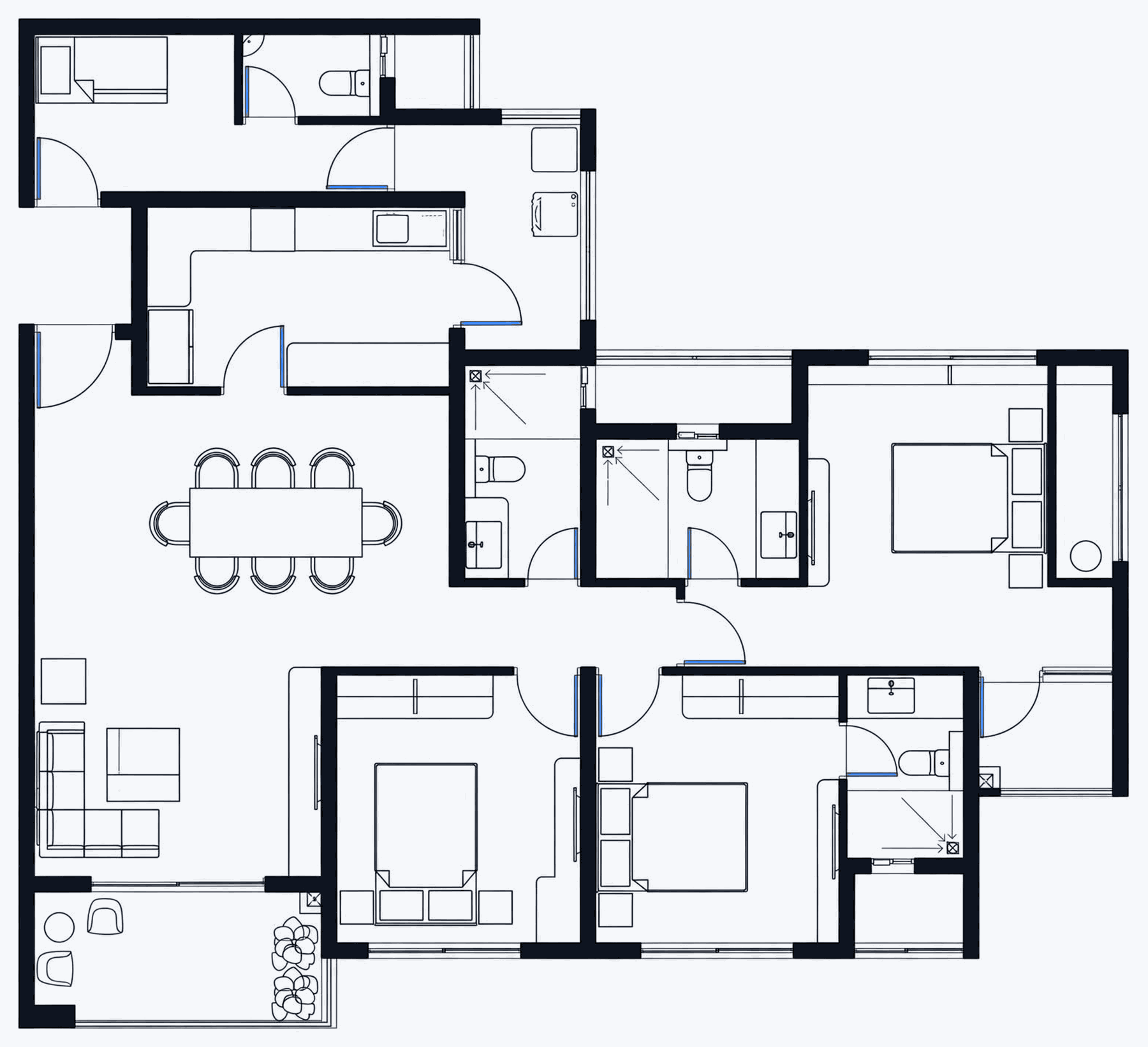
Walls, openings, real areas
Read straight out of your DXF
Which rooms?
Click rooms on the drawing.
Choosing costs nothing.
0 rooms selected
Heights · from the floor
Not in your drawing, so these start as our
defaults. Tags match the plan.
Doors & windows in this room
Starts atEnds at
We re-read the room free.
This is what we read from your drawing
Walls, corners and openings come from the DXF. If
this is not your room, pick again — nothing has been charged.
Place your own camera (optional)
Our three angles are used unless you place one.
Place your camera
Click where you want to stand, drag to aim.
Grey cones are our three angles: click one to start from it.
What the model answers to
Your geometry stays as it is. Click anything here to use it; click a chosen tile again to take it out.
Style
Finished lines, by room type
Sending your room to the GPU…
Generating 3 images — this window will close when they’re ready.