
Studio · Worked example
3BHK floor plan to 3D render: a worked example.
One real 3BHK drawing taken through Coreframe Studio: the DXF in, the rooms read from it, and a 4K concept render out for the living room, kitchen, master bedroom and balcony. Reading the plan and the previews were free; each 4K download is $1.49, no GST. The output is concept images, not a 3D model.
Published · Coreframe team
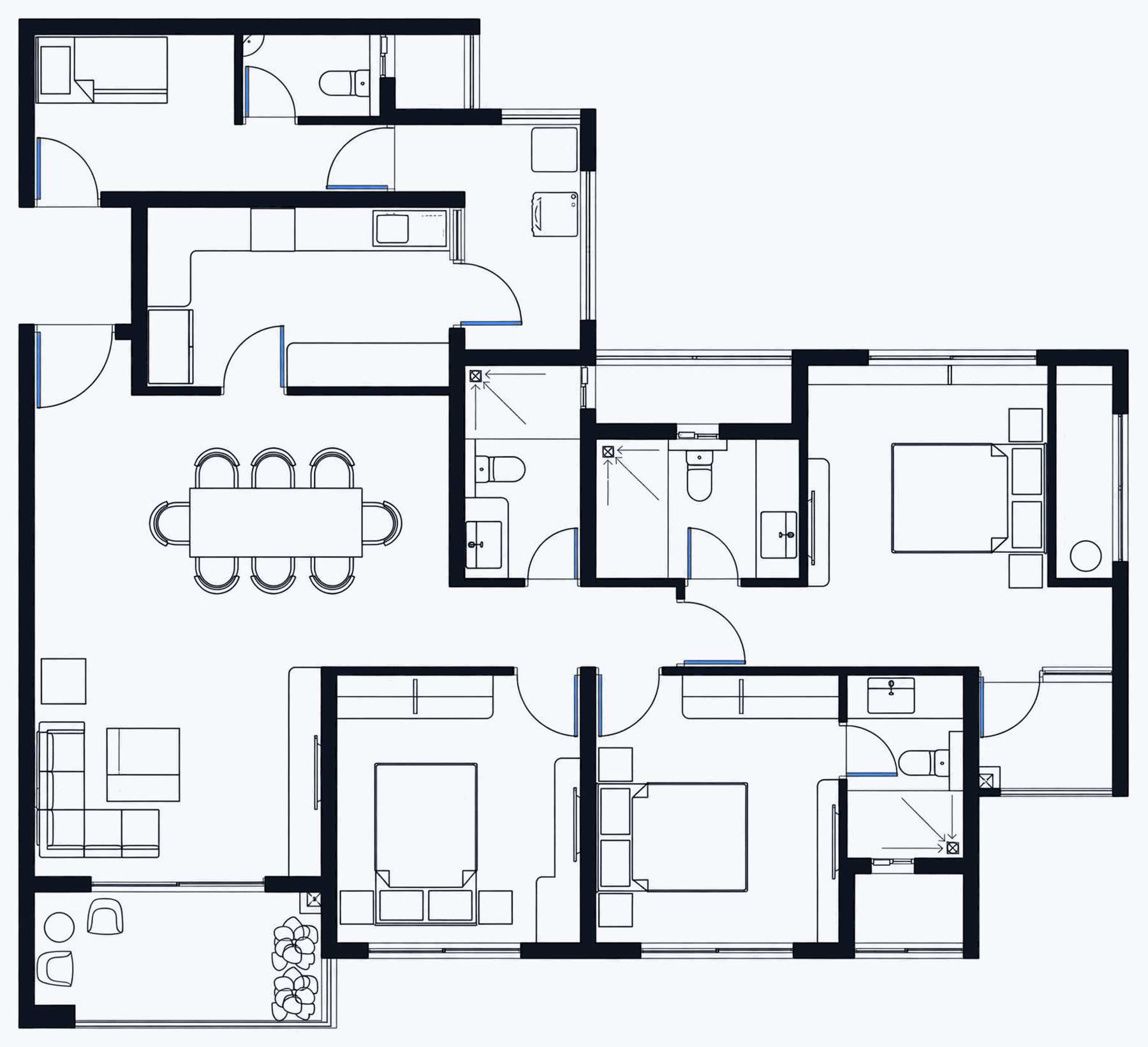
The plan.
Three bedrooms, three bathrooms, a kitchen, a dining area for six, a living area and a planted balcony, with door swings and window openings drawn. It is our own sample drawing; with your plan, every step below works the same way.
Walls, doors and windows come from the drawing. The furniture, materials and light are generated, and Studio says so on screen every time.
Five steps, and what each one cost.
- 1
Upload the DXF · Free
The plan goes in as a 2D DXF (up to 30 MB). Studio finds the walls, closes the rooms and reads the door and window openings that are drawn. A dimension on the plan tells it the units.
- 2
Check the rooms and heights · Free
A plan is flat, so the heights are assumptions you can change: 2.8 m floor to ceiling, a 2.1 m door head and windows from 0.9 m to 2.1 m by default. Re-reading with different heights is free.
- 3
Pick a room, its type and the camera · Free
Living room, kitchen, master bedroom, balcony: each is picked on the plan and given its type. Use the suggested camera angles or place your own camera in the room.
- 4
Describe the feel, compare three angles · Free, up to 5 a day
One sentence about materials and mood. Each preview gives three camera angles to compare. After 5 previews in a day, extra ones are $0.25 each.
- 5
Download the ones you keep · 4K $1.49
Each room on this page is a 4K export (3840 × 2880). A 2K download for email is $0.99. Prices: no GST.
What each room got.
Four 4K exports (3840 × 2880) from Studio, shown smaller.
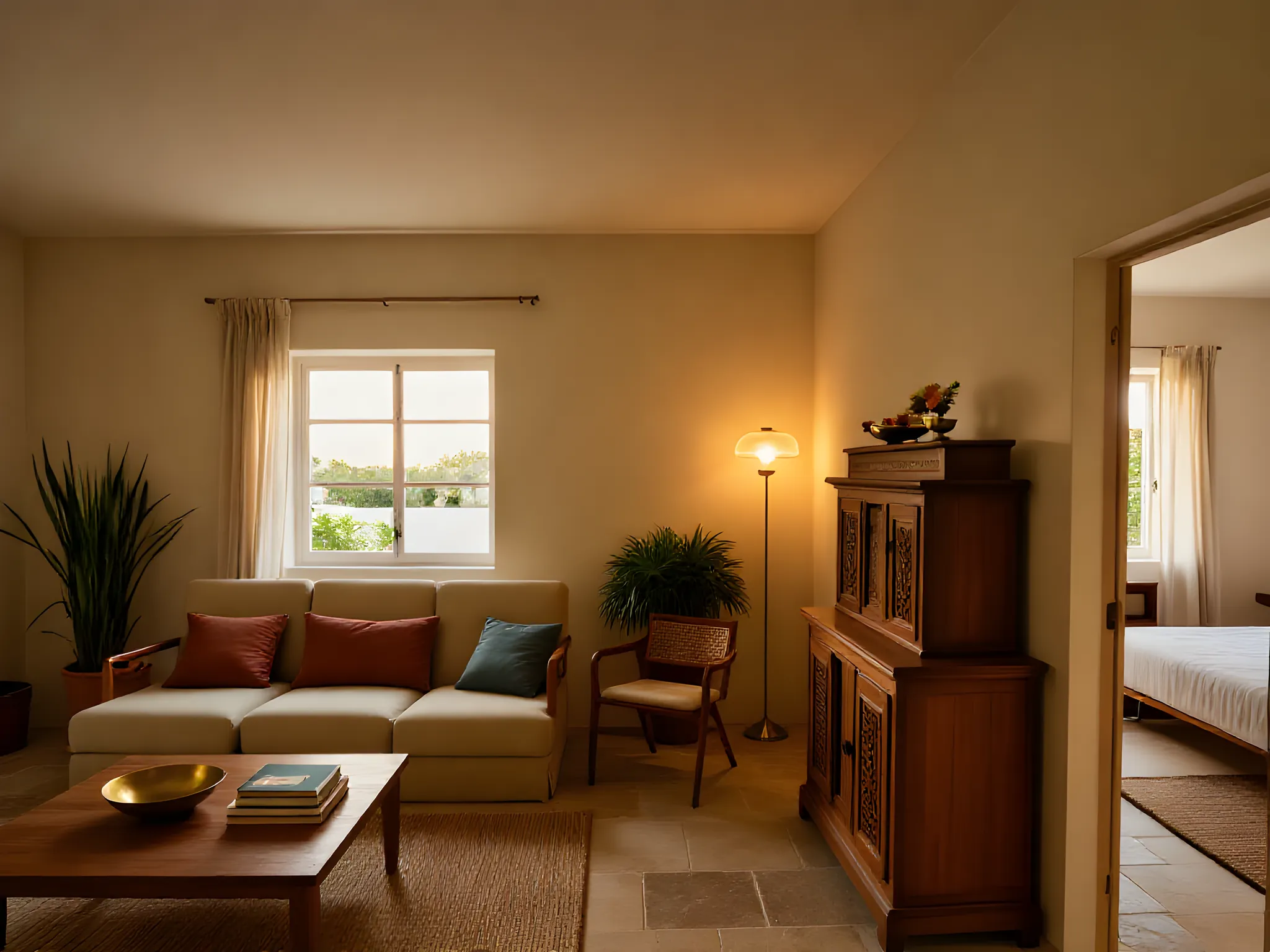 Generated image
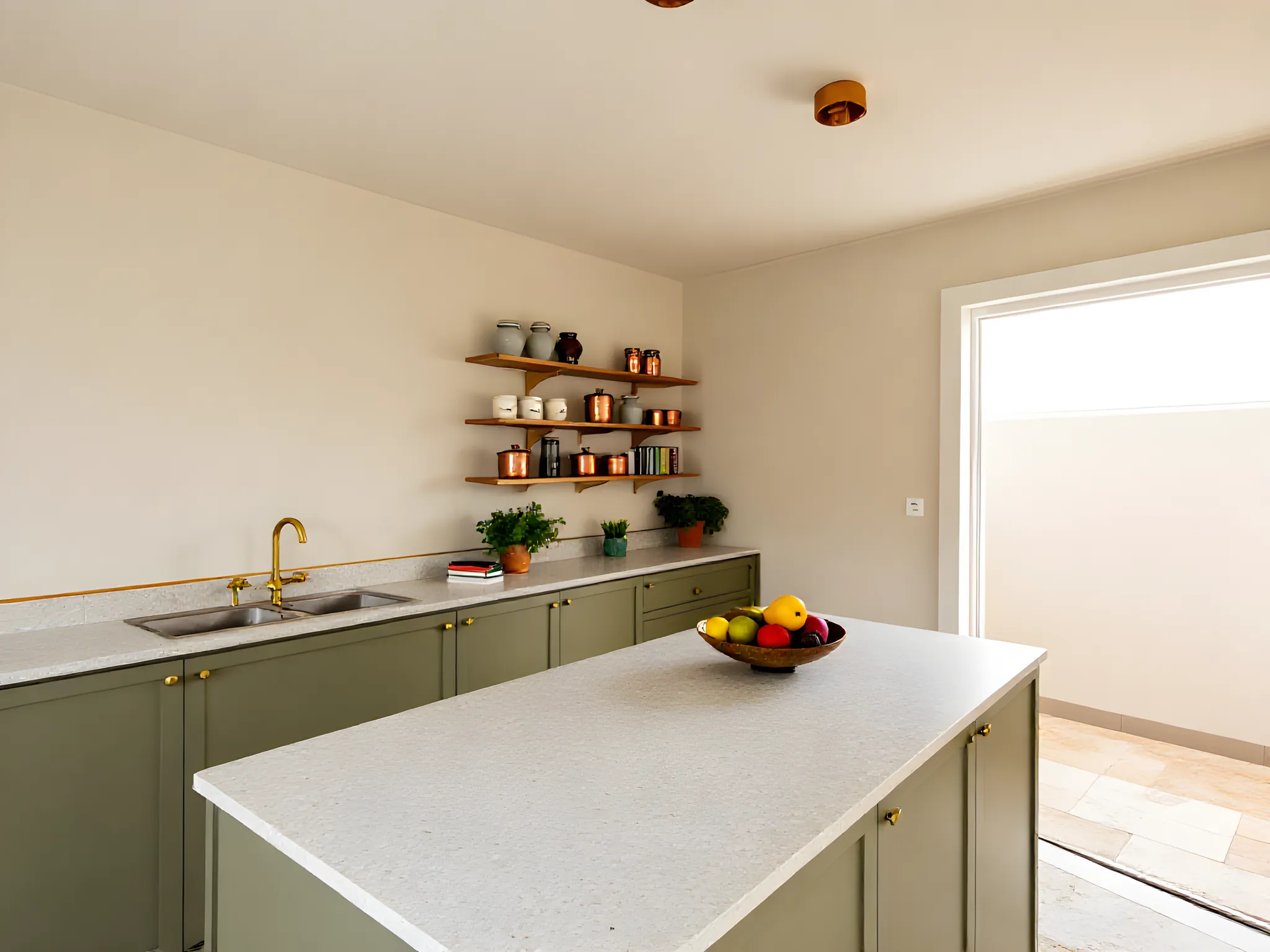 Generated image
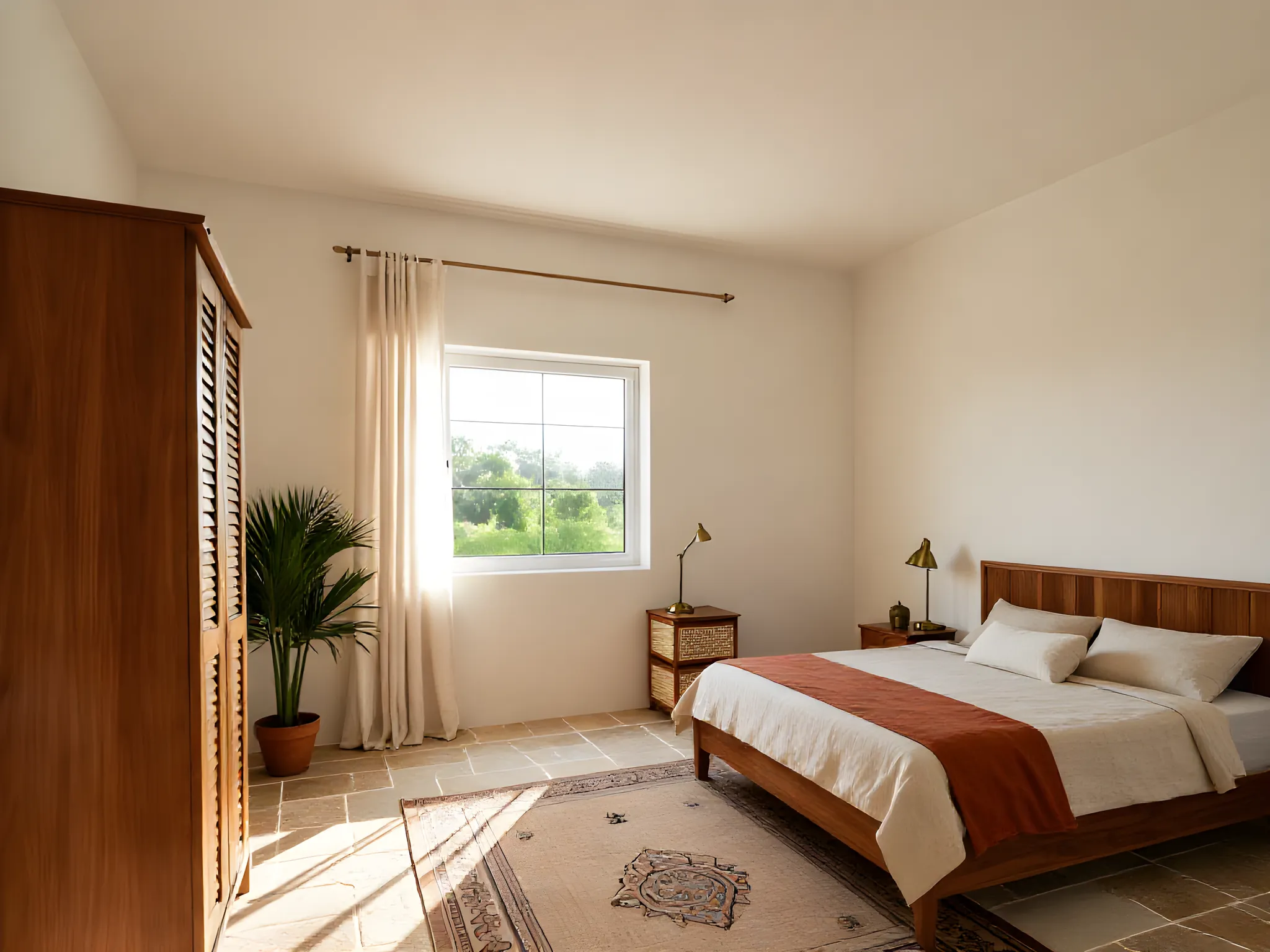 Generated image
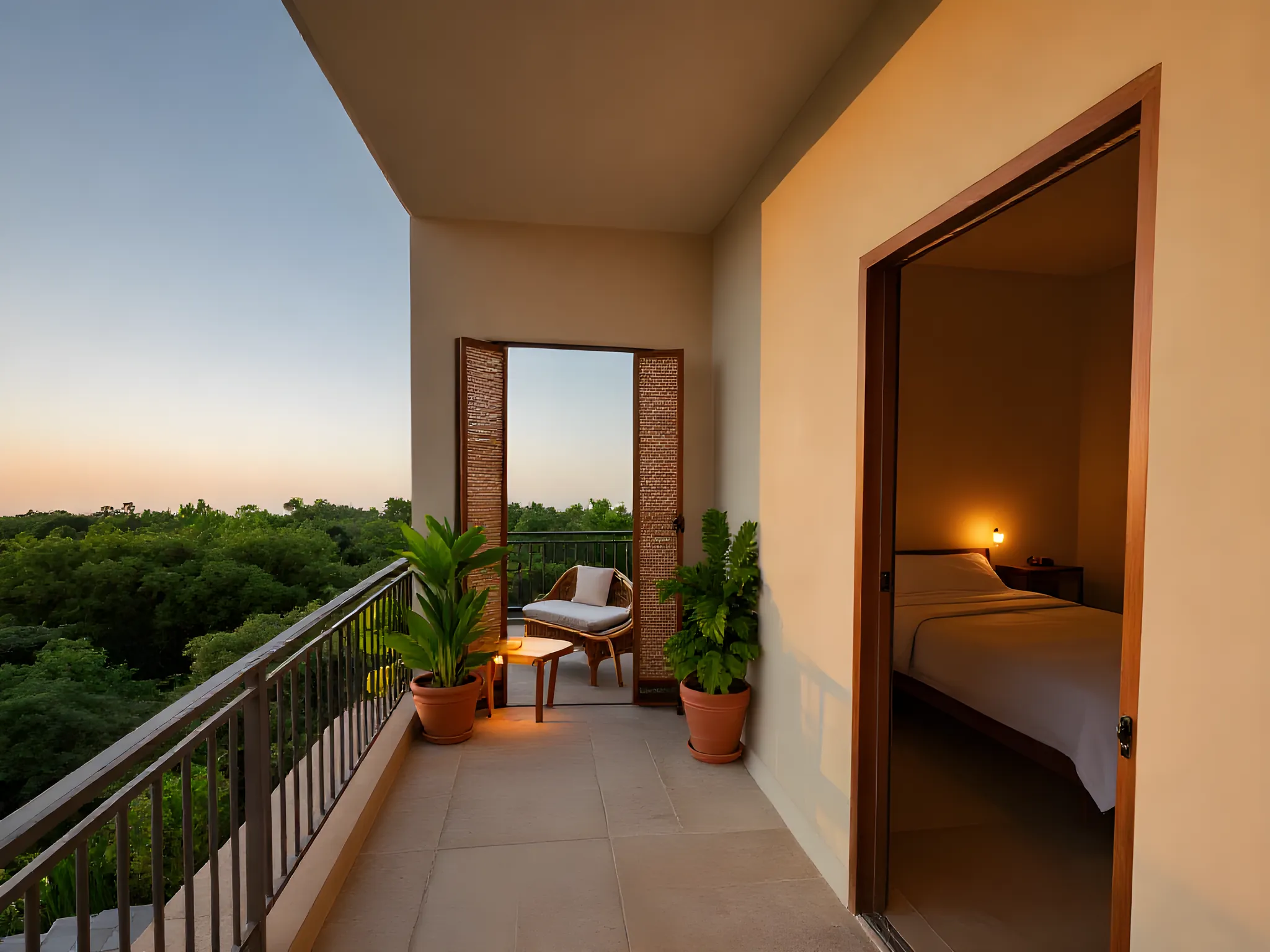 Generated image
What it is, and what it isn’t.
- It is a set of concept images for a client pitch, made from the plan you already drew.
- It isn’t a 3D model file, a plan generator or a construction drawing. Nothing here changes your plan.
- It won’t add a window or a room the drawing doesn’t have.
Questions.
Can Studio turn a 3BHK floor plan into a 3D model?
No. Studio makes concept images of the rooms for pitching a design. The walls, doors and windows come from your drawing; the furniture, materials and light are generated. It does not export a 3D model file, and it does not draw or change the plan.
What did this 3BHK example cost?
Reading the plan and the previews were free. Done on your own account, the four 4K downloads shown here would cost 4 × $1.49 = $5.96, no GST. Previews beyond 5 in a day are $0.25 each.
Do I need a DXF, or can I upload a PDF or image of the plan?
A DXF. A PDF, JPG or scan of a plan has no walls in it to measure, and DWG is not read yet. AutoCAD, Revit, Archicad, SketchUp Pro and most CAD tools export DXF in a few clicks; the guide is at coreframecloud.com/studio/learn.
Will Studio add windows or rooms that are not on my plan?
No. If a room has no window drawn, Studio does not add one. It places furniture and suggests the camera from the room's shape and the type you picked, and tells you so on screen.
Try the same steps on your own plan. Reading it and the first previews cost nothing.