

Studio · Pre-sale renders
Floor plan to interior render, straight from your DXF.
Win the client before the project is signed.
Coreframe Studio turns a 2D DXF floor plan into interior concept renders in the browser. It reads the walls, doors and windows from your drawing; you pick a room and a camera, and it furnishes the room. Previews are free (5 a day, then $0.25 each); a 2K download is $0.99 and 4K $1.49, no GST.
Concept visuals for pitching, not construction drawings or a 3D model.
DXF floor plans only, up to 30 MB. Working in DWG or Revit? Export a clean DXF.
By the Coreframe Cloud team · Updated
Upload a 2D plan, get photoreal renders.
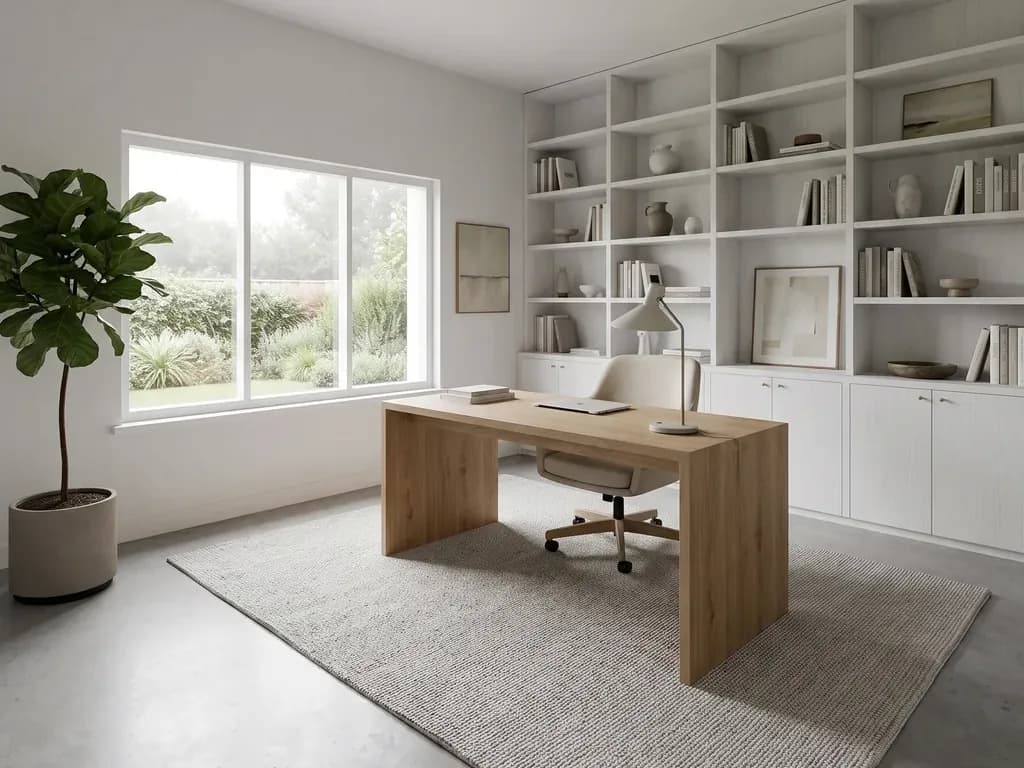
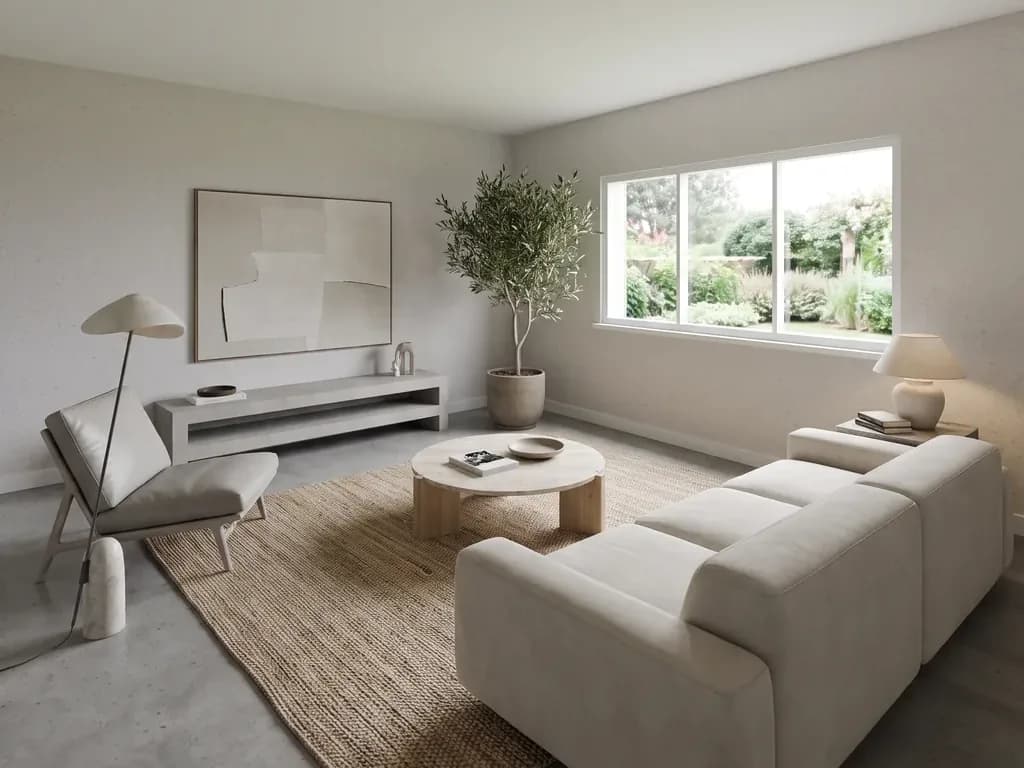
A 2D DXF floor plan like our sample 3BHK goes in; furnished rooms come out. The rooms here are Studio Pro renders of other rooms, not of this plan. Follow the whole 3BHK example, step by step.
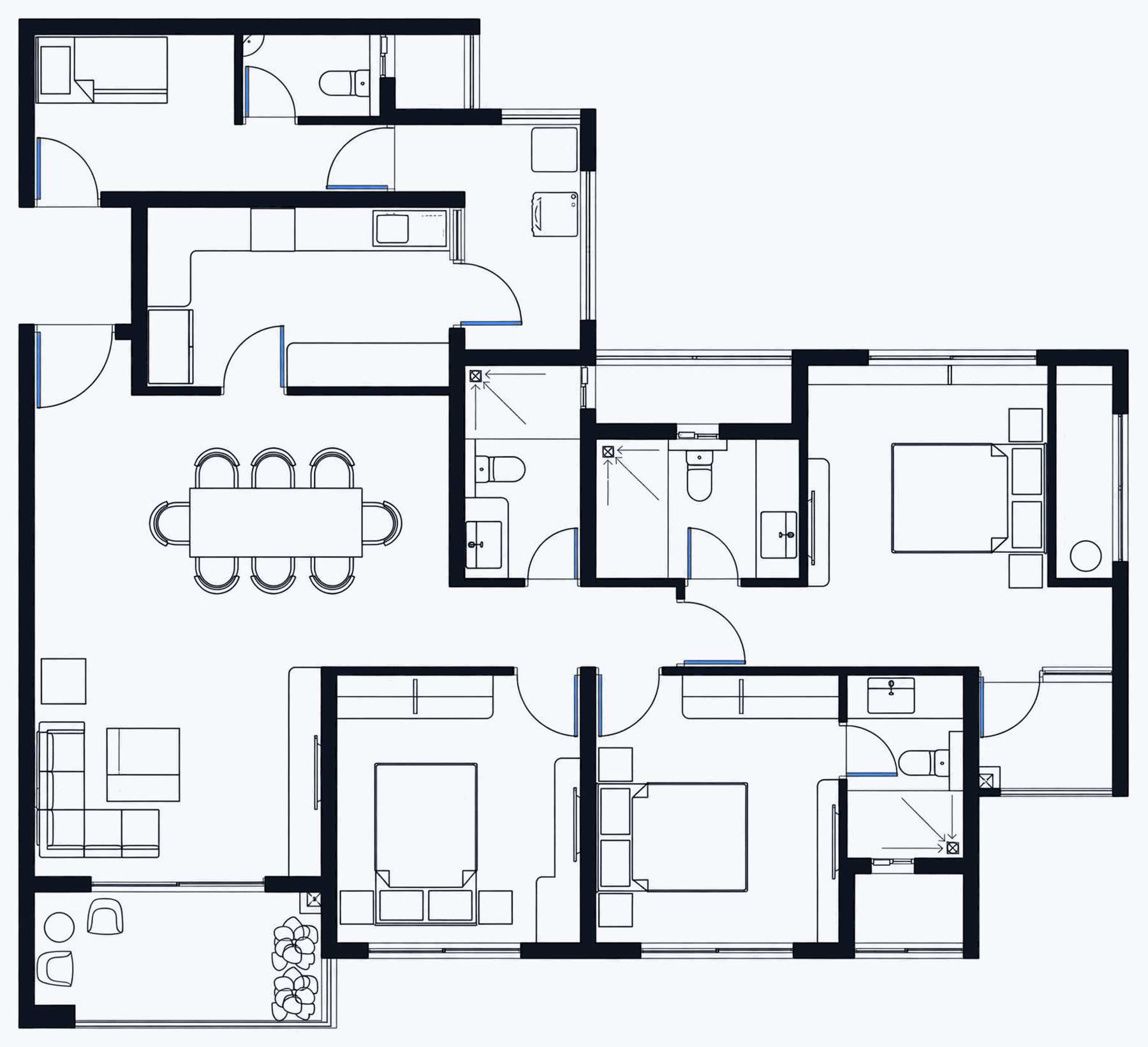
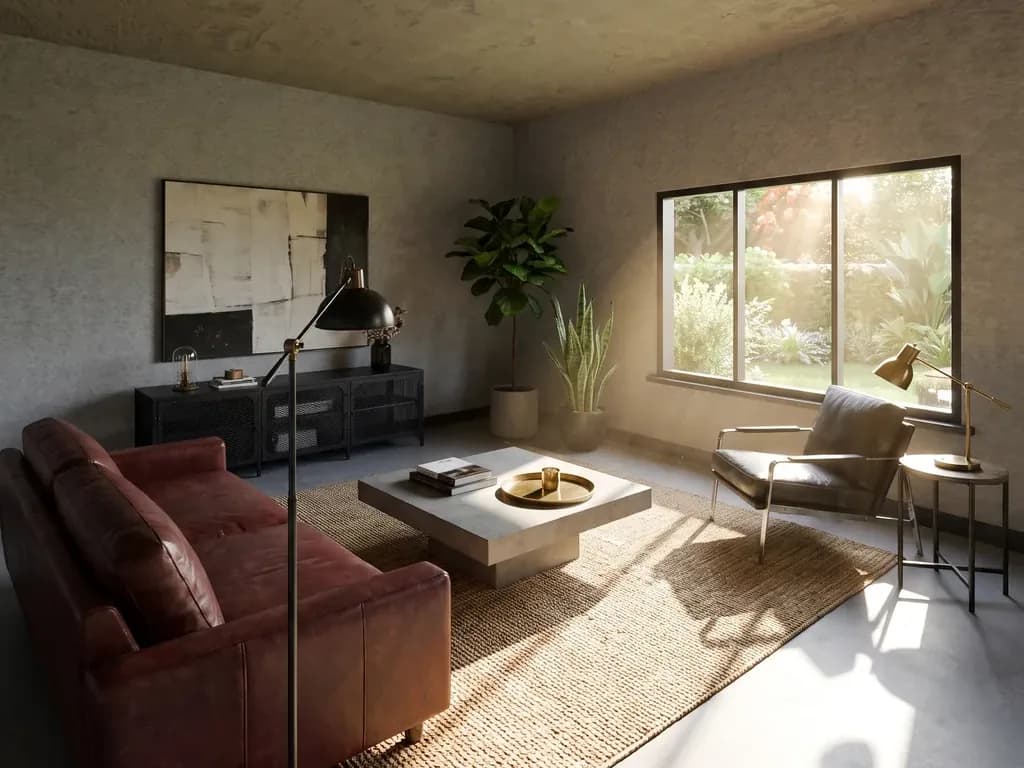 Generated image
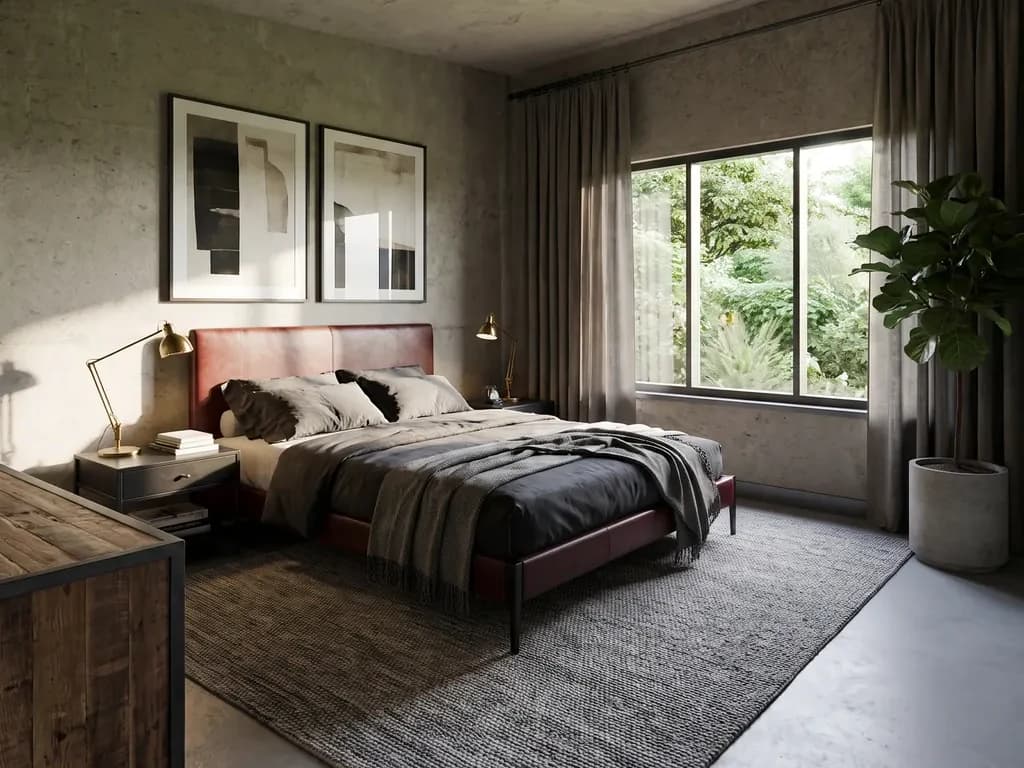 Generated image
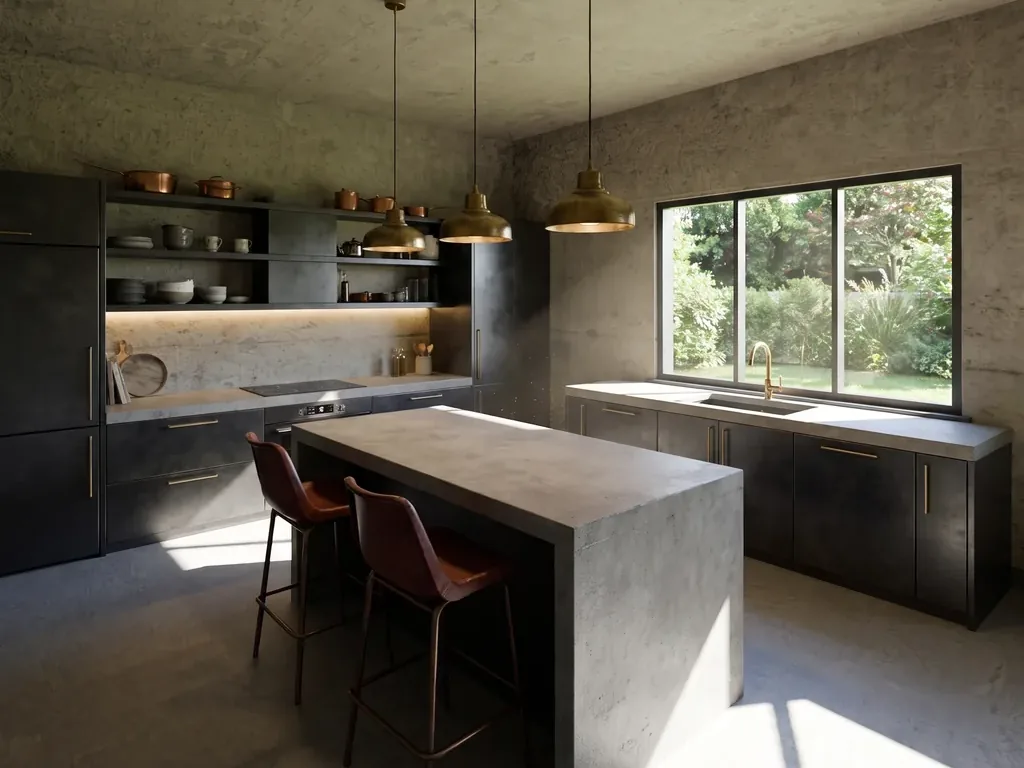 Generated image
 Generated image
From your drawing to the room.
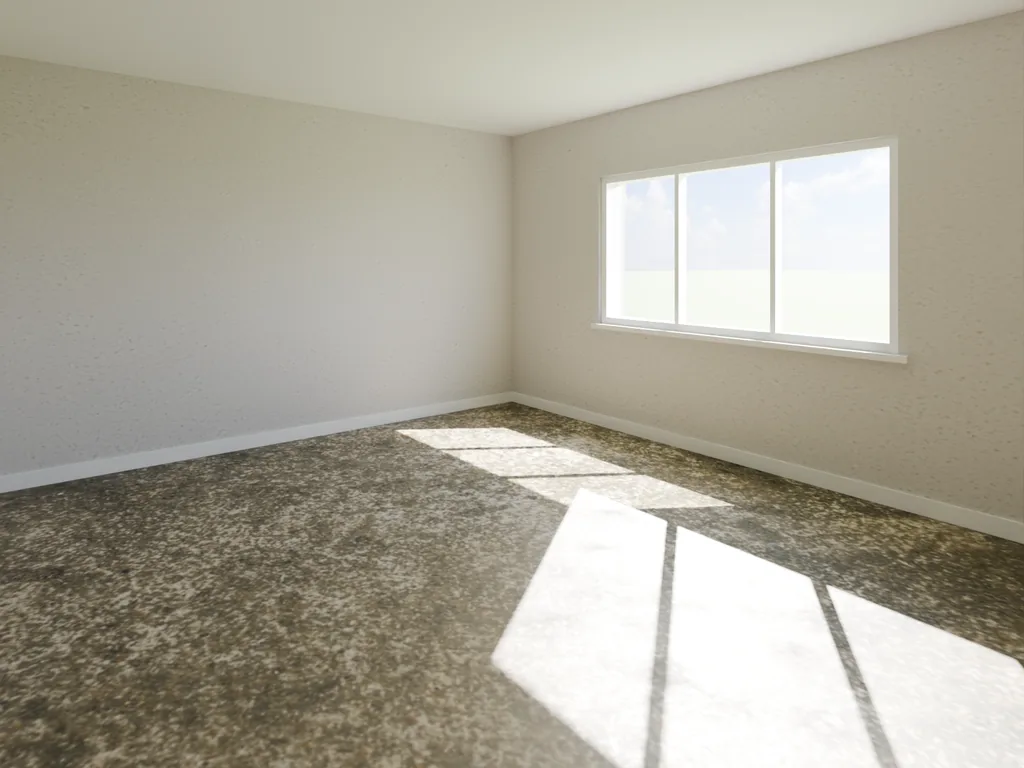
Your walls and windows, exactly as drawn. Then we furnish it.
Drag the line to compare.
Four steps. You only pay on the last.
- 1
Upload your DXF.
We find the walls and rooms. Free.
- 2
Pick a room.
Tell us it's a bedroom or a kitchen. Use our camera angles or place your own. Free.
- 3
Say how it should feel.
One sentence. You get three angles to compare. Free, up to 5 previews a day.
- 4
Download the one you like.
2K for email ($0.99), 4K for print ($1.49), no GST.
We never invent your building.
Walls, doors and windows come from your drawing. The furniture is ours, and Studio tells you so.
Where exactly we draw the line
If a room has no window in the drawing, Studio doesn’t add one. It may be windowless on purpose, and that’s the architect’s call.
We suggest furniture and the camera from the room’s shape and the type you pick, and Studio says so every time: “We placed a bed, 2 nightstands, a wardrobe. None of it is in your drawing.”
Working in DWG or Revit? Export a clean DXF.
Studio reads DXF only: a PDF or scan of a plan has no walls in it to measure, and DWG is not read yet. The export takes a few clicks in most tools. Every read of a drawing is free, so you can check what Studio measured before you spend anything.
- AutoCAD and AutoCAD LT
- In Model space, File › Save As, and pick AutoCAD 2018 DXF (or the newest DXF offered). DXFOUT does the same.
- Revit
- Open the floor plan view (not a 3D view or a sheet), then File › Export › CAD Formats › DXF, current view only. Turn off a crop region that cuts rooms.
- Archicad
- On the Floor Plan window for the storey you want, File › Save as… and choose DXF with the default translator.
- SketchUp Pro
- Top camera, Parallel Projection, then File › Export › 2D Graphic as DXF at 1:1. SketchUp Free and Web cannot export DXF.
- BricsCAD, ZWCAD, DraftSight and similar
- Model space, Save As, the newest DXF in the list.
- Export at 1:1 from model space, one storey per file.
- Keep at least one dimension or a room label with real numbers: it tells Studio the units.
- Leave your layer names alone and don’t explode everything first; leave out raster underlays, details and schedules.
The full guide, with Chief Architect and what Studio takes from the drawing: Getting a DXF out of your CAD.
What architects ask first.
What file does Coreframe Studio need?
A DXF floor plan (up to 30 MB). Studio reads the walls, doors and windows from the drawing's lines, so a PDF, JPG or PNG of a plan can't be read yet, and neither can a DWG. If you work in AutoCAD, Revit or ArchiCAD, exporting a DXF is a Save As; the three-click guide is at coreframecloud.com/studio/learn.
Does it invent rooms or windows that are not on my plan?
No. Walls, corners, doors and windows are read from the DXF. If a room has no window marked, we don't add one. It may be windowless on purpose, and that's your call. We do place the furniture and the camera, based on the room's shape and the room type you picked, and Studio tells you so on screen every time.
What does it cost?
Reading the drawing, browsing the rooms and previewing the three camera angles are free, up to 5 previews a day; after that, extra previews are $0.25 each. You pay only for those and for what you keep: an edit of a preview is $0.49, a 2K download $0.99 and a 4K download $1.49, no GST. It comes out of the same Coreframe wallet as GPU workstation hours and CFD, and Studio shows the price before you confirm.
Is it a 3D model or a construction drawing?
No. Studio makes concept images for pitching a design: the walls, doors and windows come from your drawing and the furniture, materials and light are generated. It does not produce a 3D model file, a floor plan, or drawings you could build from.
Do I have to install anything?
No. Studio runs in the browser with your Coreframe account: the same sign-in, wallet and My activity page as GPU workstations and CFD. New here? Sign up with your email and a WhatsApp code and you land in Studio. GPU workstations additionally need a small client app.
What happens to my client's drawing?
It stays in your account until you delete it (there's a delete button). We don't purge on a schedule, and we don't train on your drawings unless you choose to let us (an optional tick box that earns wallet credit). Studio runs on our own machines in India; the one exception is Plus and Pro ray-traced renders, which are processed by an outside AI service, only to make your image.
Studio is live
Try it with your own plan.
Previews are free, up to 5 a day, then $0.25 each. Edits $0.49, 2K download $0.99, 4K $1.49, no GST, from your Coreframe wallet.
Need a whole machine for your own software instead? Rent a GPU workstation by the minute.