
CFD · HVAC simulation service
HVAC simulation for one room, set up from a form
Coreframe runs a steady CFD simulation of the air in a room you describe: its size, supply diffusers, returns and heat loads. You get the comfort numbers (mean air speed, PMV/PPD, ADPI), temperature and air-speed maps and a PDF report within 24 hours of accepting the quote. Pre-processing / mesh check is $15; the run is priced on your quote.
By the Coreframe Cloud team · Published · Updated
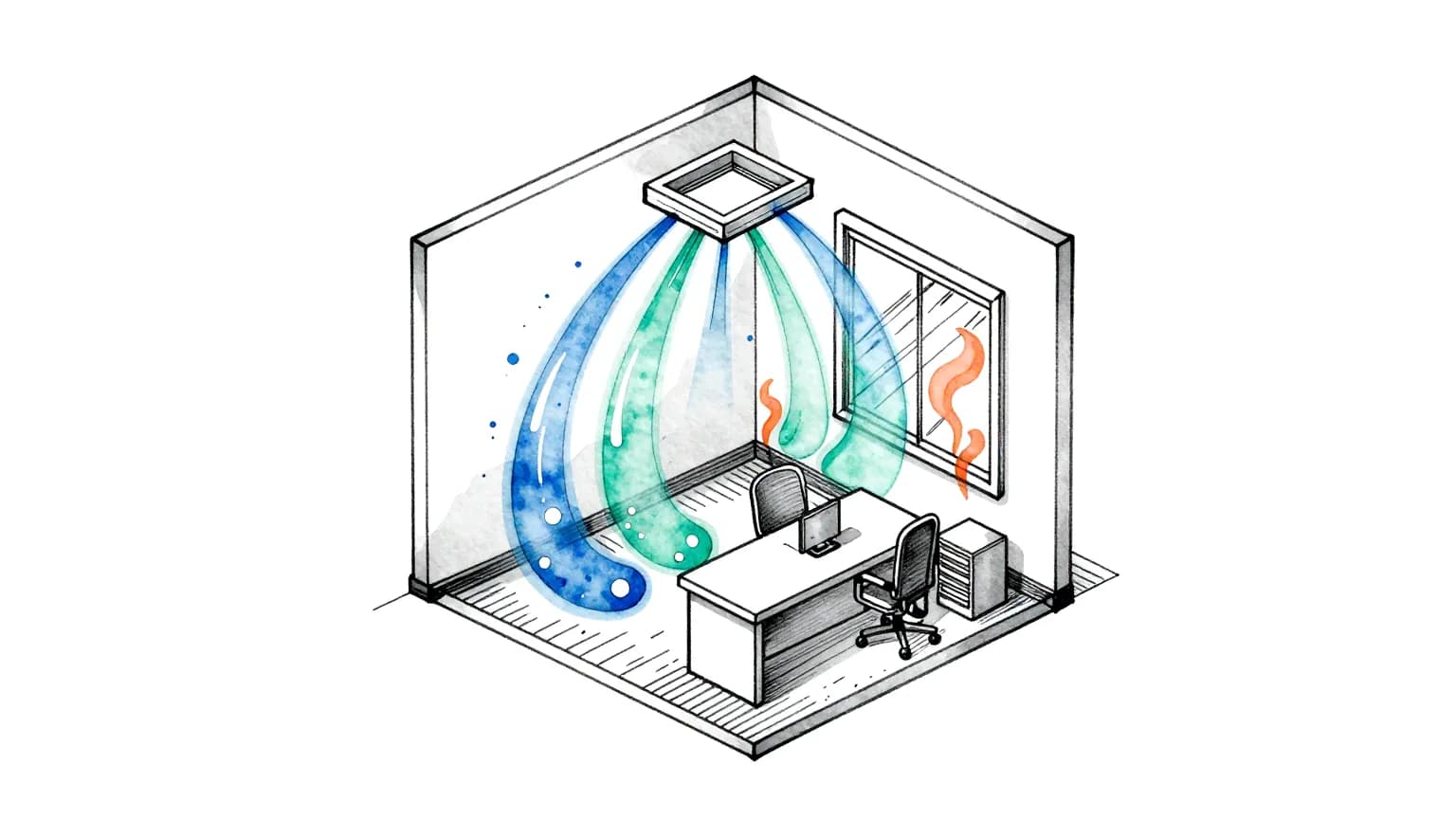
Who it is for
For the people who have to answer “will this room be comfortable?”
You bring the design numbers. We set up, mesh and run the case, and send back a report you can put in front of a client or a colleague.
HVAC and MEP consultants
You have the room, the diffuser schedule and the loads. Check where the supply air lands and what the occupied zone feels like before the layout is issued, without a CFD licence or an analyst.
Architects and interior designers
A double-height space, a long room with air from one end, a ceiling crowded with lights: see whether the air terminals the engineer proposed reach the people in it.
Contractors and design-build teams
Two diffuser options on the table. Describe each as its own job, run both on the Draft mesh, and compare the averages and the maps side by side.
Building owners and facility teams
A room people call draughty or stuffy. Describe it as it is and see where the air moves fast, where it is still and how the comfort indices come out.
What you get
A report, not a solver to learn.
The averages say whether the room works. The maps show where it does not, and why.
- Room averages
- Mean air speed and air temperature in the occupied zone, PMV and PPD (ISO 7730) and ADPI (ASHRAE 113).
- Flagged range
- The fastest air and the worst head-to-ankle temperature difference in the room, flagged as a range.
- Maps
- Temperature and air-speed maps through the room: where the jet goes, where it drops and where the air is still.
- The PDF report
- Your inputs, the mesh used, the convergence of the run, the maps and the averages, with the validation statement.
- Before the run
- A mesh report and a quote for the run, emailed after pre-processing. You decide then whether to go ahead.
Open the sample room report (PDF) to see the layout before you start.
Draft or Fine
Choose the mesh for the question you are asking.
Early in a design you are comparing options. At the end you need numbers to stand behind.

- Draft
- A medium mesh, for early design comparisons: two diffuser layouts, two supply temperatures, a room before and after a change.
- Fine
- The default, for final numbers: the run you report on.
- Either way
- Your quote and your report state which mesh was used, so nobody mistakes a Draft run for a final one.
Before you start
What to have ready.
The numbers are the ones already in your design. Have them to hand and the form is quick to fill in.
- Room size
- Length, width and height in metres. One box-shaped room, 1 to 100 m long and wide, 2 to 20 m high. Pick one floor corner as x = 0, y = 0: every position is measured from it, x along the length, y across, z up.
- Supply diffusers
- Up to 12, each on the ceiling, the floor or a wall: its centre (in the plane of that surface), its face size, its airflow in m³/h, l/s, CFM or as a face velocity, and the supply air temperature (5 to 60 °C).
- Returns and exhausts
- At least one and up to 12: where each one is and its size.
- Heat loads
- The number of people and the sensible heat per person (20 to 300 W; 75 W if you leave it), equipment watts (spread up to desk height) and lighting watts (just under the ceiling). There is no solar-gain field: describe it in the job notes.
- Comfort inputs
- Clothing (clo), activity (met) and relative humidity, for PMV and PPD. Left as they are, they are 0.6 clo, 1.2 met and 50 %.
- Mesh
- Draft or Fine. See below.
What each input does to the result, and how to read the outputs: room airflow CFD for HVAC, the guide.
How it works
Four steps, all from your account.
- 1
Describe the room
Sign in, open the CFD form, choose Rooms / HVAC and fill it in. No CAD or geometry file.
- 2
Instant check, free
A description we cannot set up is rejected at once, with what to change. A rejection costs nothing.
- 3
Pre-processing / mesh check
$15, paid from your Coreframe wallet. We mesh the room and email a mesh report and a quote for the run.
- 4
Accept the quote
Pay it from your wallet only if you want to go ahead. Results within 24 hours of payment, on your job page.
What it costs
$15 to mesh and quote your room.
- Pre-processing / mesh check is $15 for most rooms, from your Coreframe wallet. Very large models (over 5 million cells): $39.
- The run is priced on the quote that comes with the mesh report. You pay it only if you accept.
- The quoted amount is held in your wallet; you are charged for what the run used and the rest comes back.
- Rejected before meshing: no charge. Pre-processing that fails on our side: the charge goes back to your wallet.
- Results within 24 hours of payment.
Accuracy and limits
What it has been checked against, and what it leaves out.
Validated against three published benchmark rooms. Air-flow pattern and air speeds meet the published acceptance criteria. Temperatures in the occupied zone agree with measurements to within about 0.3 K, but did not meet the strict ±5 % benchmark criterion in the heated-floor case. Air temperatures within a few centimetres of heated or cooled surfaces are less reliable. Radiation between surfaces is not modelled.
- One box-shaped room per job, as a steady analysis.
- The room is described on the form; there is no geometry upload for rooms.
- A whole floor or an irregular room is not this service: talk to us.
- Results are design guidance, not certification.
A steady run of one room is a design check you can repeat: change the layout, run it again, compare.
How to use the result
Further reading
Before you commission a run.
Questions.
What is an HVAC simulation, and what does this one cover?
Here it is a computational fluid dynamics (CFD) simulation of the air in one room: how the supply air moves from the diffusers to the returns, and the speeds and temperatures people sit in. This service runs one box-shaped room per job, as a steady analysis, and delivers room averages (mean air speed, PMV/PPD, ADPI) and temperature and air-speed maps in a PDF report.
How much does an HVAC simulation cost?
Pre-processing / mesh check is $15 for most rooms, paid from your Coreframe wallet. Very large models (over 5 million cells): $39. The run itself is priced on the quote that comes with the mesh report, and you pay for it only if you accept. The quoted amount is held in your wallet, you are charged for what the run used, and the rest goes back.
How long does it take?
Results come within 24 hours of paying the quote. A room description that cannot be set up is rejected straight away when you submit it, free, with what to change.
Should I pick the Draft or the Fine mesh?
Draft uses a medium mesh and is meant for early design comparisons, such as two diffuser layouts. Fine is for the final numbers. Your quote and your report both state which mesh was used.
Can I compare two diffuser layouts?
Yes, as two jobs: each room description is one job with its own quote and report. Running both on the Draft mesh keeps them comparable with each other.
Does it model radiation, a cold window or solar gain?
Radiation between surfaces is not modelled, and air temperatures within a few centimetres of heated or cooled surfaces are less reliable. There is no solar-gain field on the form; describe the gain in the job notes.
Can the report be used for approval or certification?
No. Results are design guidance, not certification. The report states what the run was validated against and where it is less reliable.
Can you simulate a whole floor or an odd-shaped room?
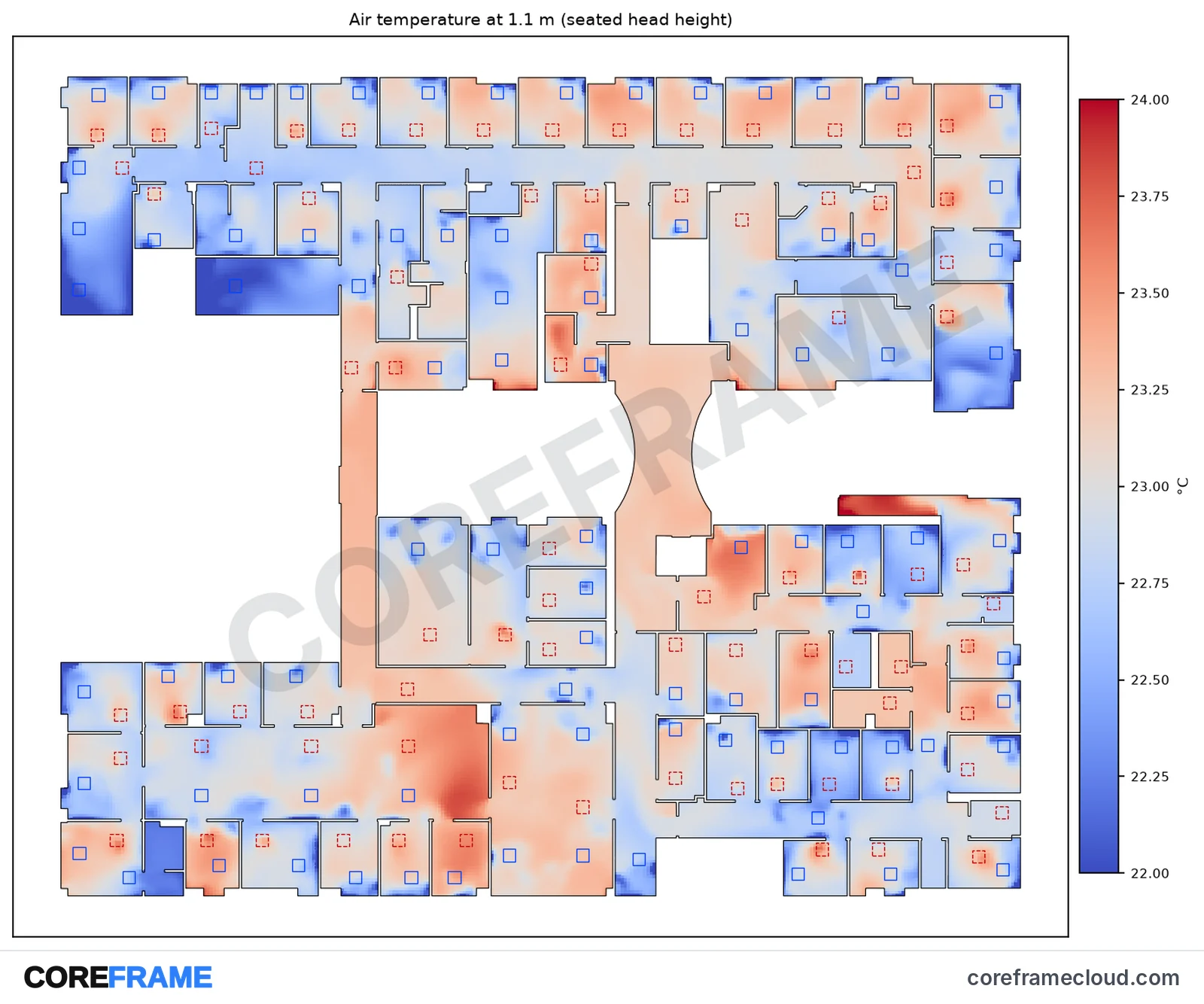
Not as this service: it takes one box-shaped room at a time. For a whole floor, read the clinic case study, an indicative run on a real building model, and talk to us about the project.
Do I need a separate account?
No. It is the same Coreframe account and wallet as GPU workstations and Studio, and your jobs appear in My Activity.
Related: CFD for ducts and pipes · Mesh independence study (GCI)
Ready with your room? Start a room job